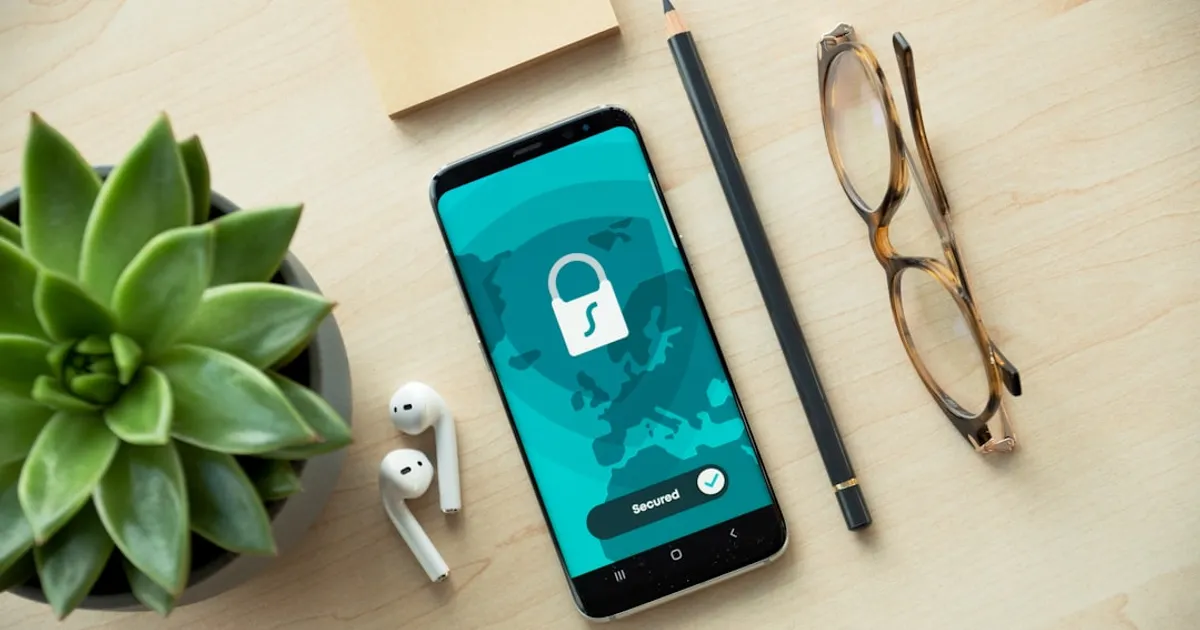
1Password just made it easier to get into your passwords. The company rolled out a new experience that lets the app open automatically when you authenticate with your device using Face ID, Touch ID, a PIN, or your system password. No more typing your master password every time you step away for coffee. Evan Sandhu, who wrote the announcement, says 1Password now accepts your device's verification instead of requiring separate authentication.
Users get three security presets to choose from. Convenient opens 1Password whenever you authenticate with your device. Balanced asks for authentication once every 8 hours. Strict locks whenever you're not actively using the app. You can tweak these settings per device, which makes sense if you want tighter security on a shared family computer but faster access on your phone.
Under the hood, this works by caching your vault decryption keys in your device's secure hardware, things like Apple's Secure Enclave or Android's TEE. Your master password still derives the encryption keys using standard key derivation functions. 1Password's servers never see your password or your keys. The zero-knowledge architecture stays intact. The presets likely control how long those cached keys stick around, not the encryption strength itself.
The feature is live now for Individual and Family plans. Business accounts will see changes later, and nothing gets turned on without admin approval. If you pick the more convenient options, 1Password will nudge you to set up a recovery code so you don't get locked out if you forget your master password.