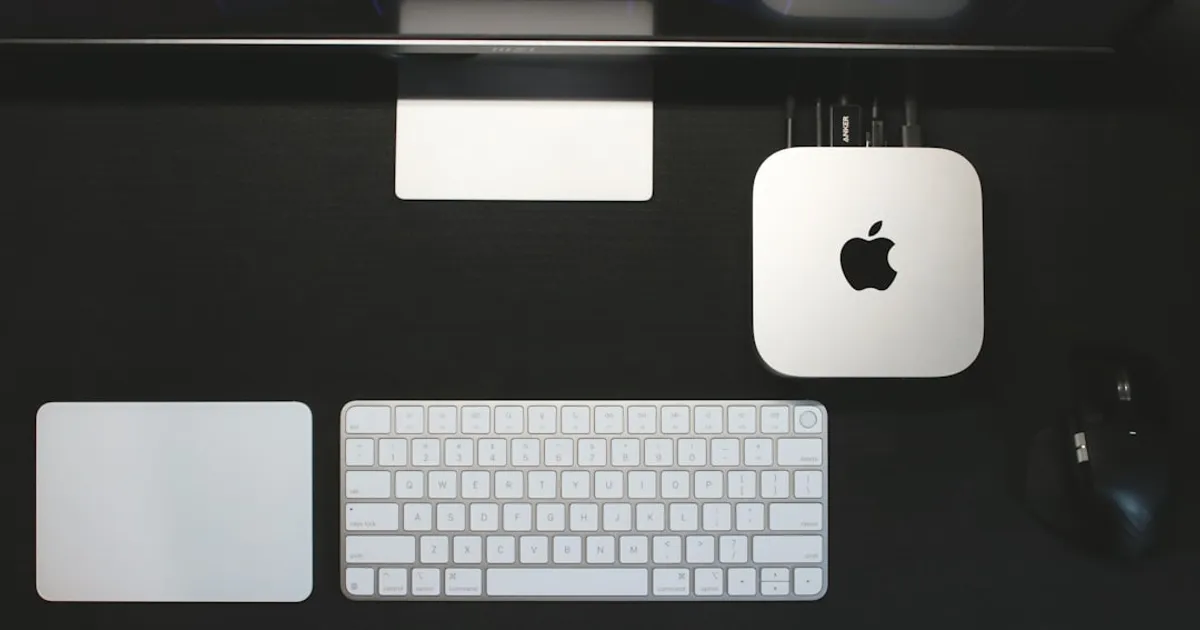
A new setup guide for running Ollama with Gemma 4 on Apple Silicon Mac minis delivers some hard-earned advice: if you have 24GB of unified memory, skip the 26B parameter variant. The author found it consumed nearly all available RAM, leaving the system barely responsive and triggering aggressive swapping under concurrent requests. The 8B model with Q4_K_M quantization (~9.6GB) runs comfortably with headroom to spare, making it the practical choice for most setups.
The guide walks through installation via Homebrew. It also covers auto-start configuration using macOS Launch Agents, plus Ollama v0.19+ features like MLX backend acceleration for Apple Silicon and improved caching that helps with coding and agentic workflows. The problem: Hacker News users report Gemma 4 has stability issues, including tokenizer implementation errors and tool call failures. One developer running LM Studio on a MacBook Pro M4 with 36GB memory couldn't get it working reliably and switched to Qwen instead.
This is the reality of running new open-weight models locally right now. Releases often ship with bugs as inference engines race to support them on launch day. If you're considering replacing cloud-based AI services with local alternatives, expect to update your tools frequently and re-download quantizations as fixes roll out. The setup is getting easier, but stability still varies wildly between models.