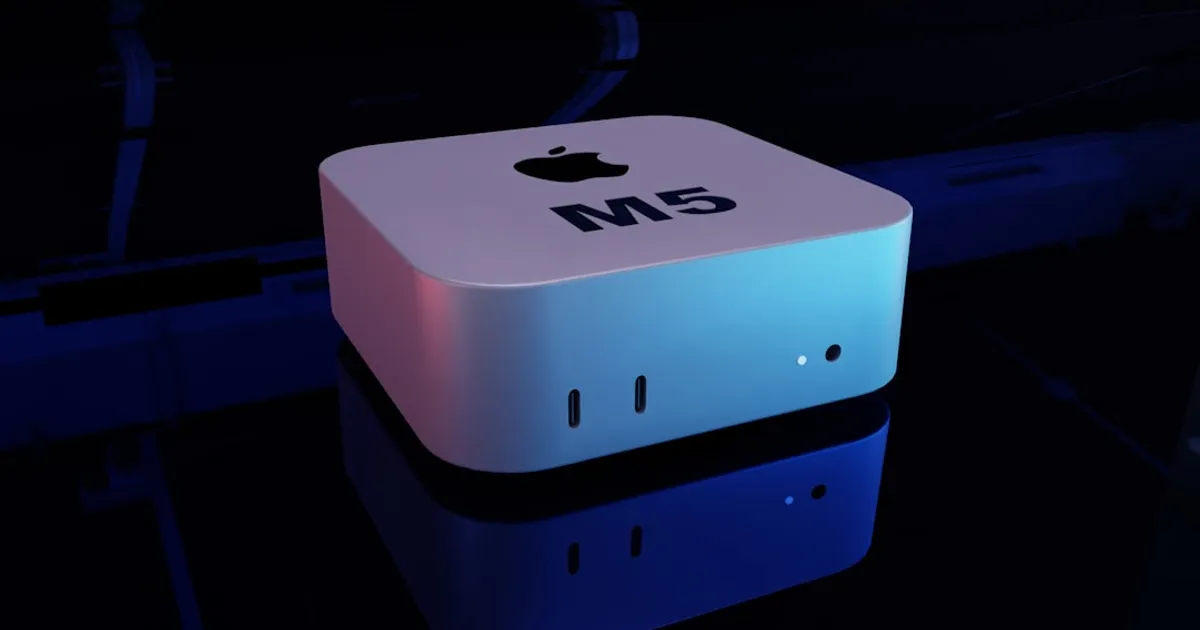
Setting up Ollama with Gemma 4 on a Mac mini is straightforward enough, until you try the 26B parameter variant. A detailed guide from developer greenstevester walks through Homebrew installation, model pulling, and configuring launch agents to keep the model warm in memory. But the 26B model consumed nearly all 24GB of unified memory on their Mac mini, leaving the system swapping heavily and occasionally killing processes. The practical recommendation: stick with the default 8B model (~9.6GB), which leaves comfortable headroom for concurrent requests.
The Hacker News thread on the guide reveals a messier picture of Gemma 4's readiness for agentic workflows. One user reported repeated tool-calling failures on an M4 MacBook Pro with 36GB RAM using LM Studio, eventually switching back to Qwen. Commenters noted that early releases often suffer from tokenizer bugs and quantization issues as projects race to support new models on launch day. Qwen, particularly the Qwen2.5 series, has built a reputation for reliable function calling in local environments, while Gemma 4 is still working through early-release implementation problems.
For developers building agents locally, the math is simple. A $20/month Claude subscription gets you polished performance, but local inference offers privacy and convenience. New open-weight models need time to stabilize. If you're counting on Gemma 4 for tool-calling workflows right now, keep Qwen installed as a fallback.